 WiseCord

Feature
Cloud Monitoring: How It Works
Understand how WiseCord Pro's cloud monitoring keeps tracking even when your phone is off.
Looking for new Discord servers to join? WiseCord's built-in Server Discovery feature makes it easy to find active communities across every niche imaginable - from crypto and forex trading to gaming, education, and beyond.
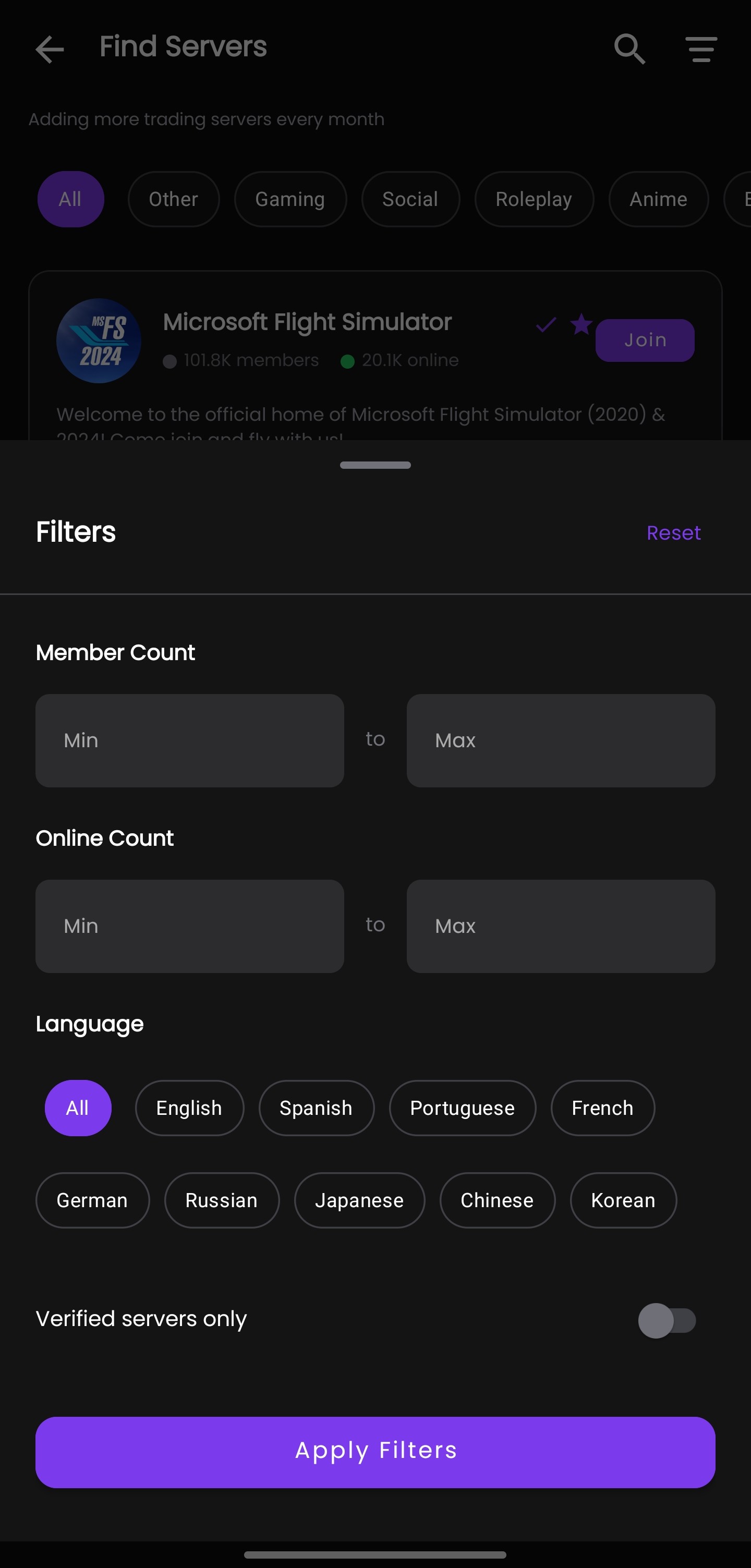
Server Discovery is a powerful feature built directly into the WiseCord app that lets you browse and find Discord servers without leaving the app. Instead of searching across multiple websites and directories, you can discover new communities right from your phone.

WiseCord's Server Discovery includes servers from a wide range of categories:
Launch the WiseCord app on your Android device.
Tap on the "Find Servers" or "Discover" option in the app menu.
You can either:

Before joining, you can see:
Found an interesting server? You can join directly or add it to your watchlist to monitor before joining.
Instead of visiting multiple websites like Disboard, Discord.me, or Top.gg, find everything you need in one app.
Servers in our directory are reviewed to ensure quality communities.
Found a server you like? Add it to your monitoring list immediately without switching apps.
Discover new communities on the go, right from your phone.
Whether you're looking for a crypto trading group, a gaming community, or an educational server, WiseCord's Server Discovery has you covered. Download WiseCord and start exploring new Discord communities today!
Download WiseCord and discover your next favorite Discord server.
The WiseCord team is dedicated to building the best Discord management tools for power users. We share tips, tutorials, and updates to help you get the most out of your Discord experience.
Understand how WiseCord Pro's cloud monitoring keeps tracking even when your phone is off.
Download the app and start monitoring your Discord servers today.